Imagine asking an AI to help you write an email, summarize a report, or debug code, and instead of getting exactly what you need, the output is confusing, incomplete, or inconsistent. Without a plan, interacting with AI can feel like guessing. A prompting workflow solves this problem.
A prompting workflow is a structured approach to designing, testing, and refining prompts to get reliable and high-quality results from AI. It turns trial-and-error into a repeatable system, making it easier to save time, collaborate with others, and continuously improve outputs.
Think of it like having a well-organized recipe book. Each prompt is a recipe: some are quick and simple, some are elaborate and detailed. Following a workflow ensures that every time you “cook” a prompt, the result is consistent and useful.
Step 1: Building a Prompt Library and Using Templates
A prompt library is a collection of prompts that you organize according to their purpose. It helps you reuse prompts that worked well in the past instead of starting from scratch every time. For example, you can categorize prompts for writing, summarization, code debugging, or data analysis.
A template is a prompt with placeholders that you can customize. Templates save time and maintain consistency because you only need to fill in the blanks for different tasks.
Example Table of Prompt Library
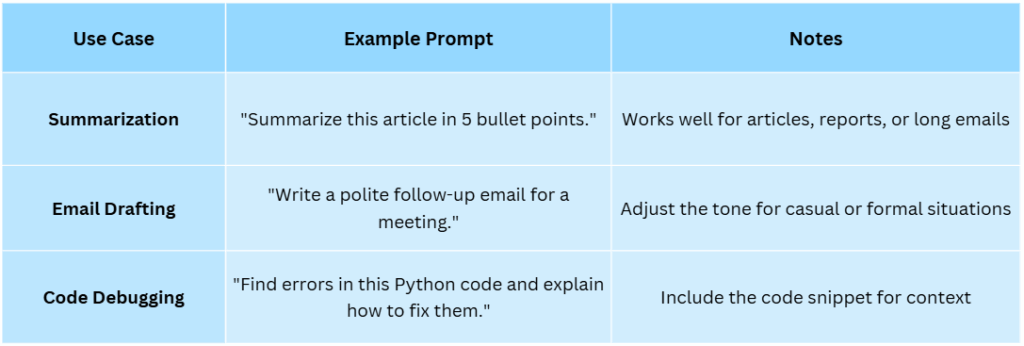
Template Example
Write a {type_of_content} on {topic} targeting {audience}, using a {tone} tone.
You can reuse this for blog posts, social media updates, or technical documentation. Organizing your prompts into a library and using templates makes your process faster, keeps quality consistent, and reduces the mental effort required to generate effective prompts.
Step 2: Versioning Prompts
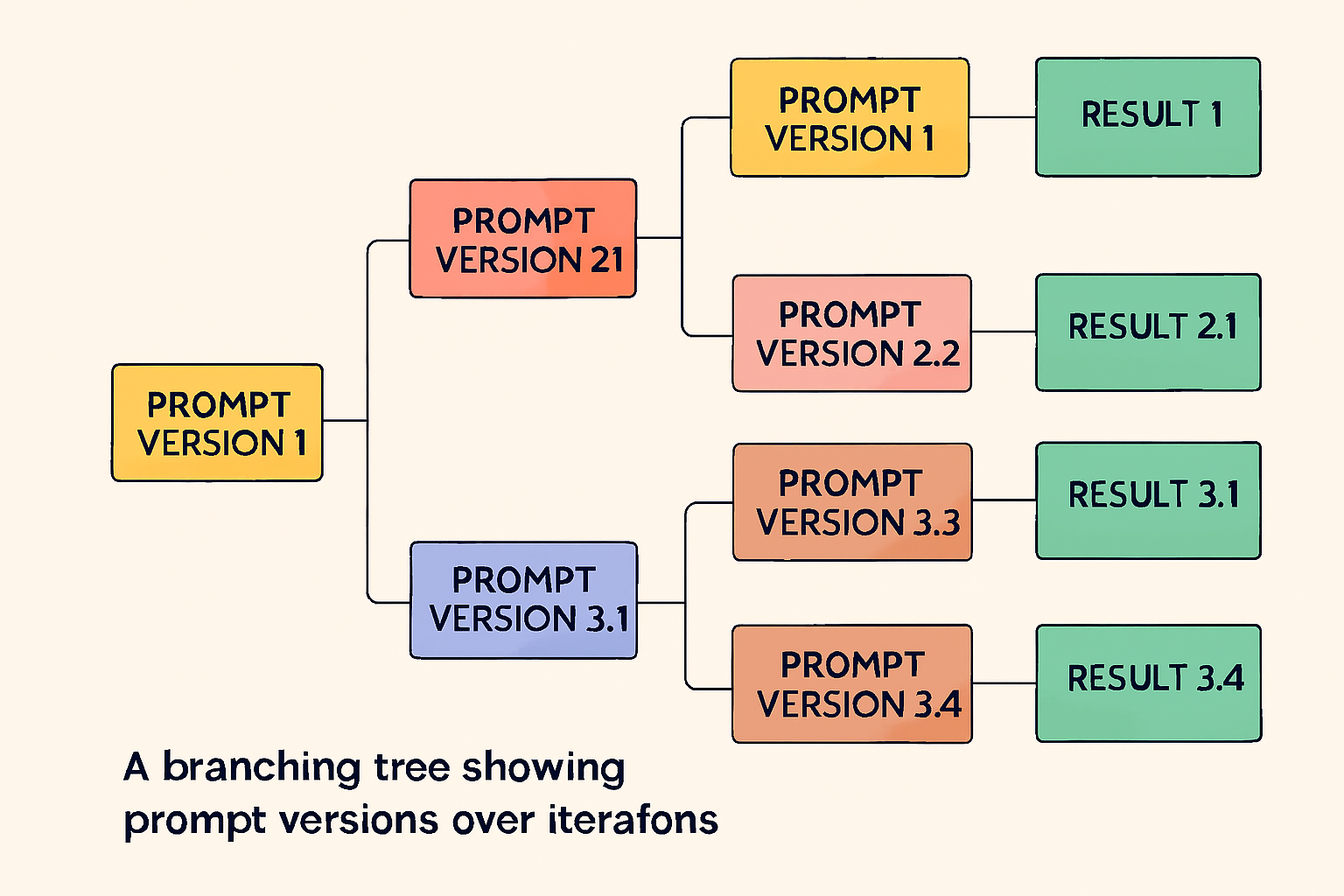
Versioning is keeping track of different iterations of a prompt as you refine it. It allows you to experiment with instructions, examples, and constraints while retaining the ability to revert to previous versions.
Example Workflow:
- Draft Prompt Version 1. Test it and notice that the output is partially correct but missing some key details.
- Modify instructions for Version 2. Test again. The output improves but still needs some adjustment.
- Add examples or clarify instructions for Version 3. Test it, and now the output is consistent and meets your goals.
You can even name versions creatively, such as “ChocolateChip_v1” or “ChocolateChip_v2_ExtraNuts,” to make them memorable.
Versioning ensures continuous improvement, reduces the risk of losing work, and makes it easier for teams to collaborate on prompt development.
Step 3: Measuring Prompt Effectiveness
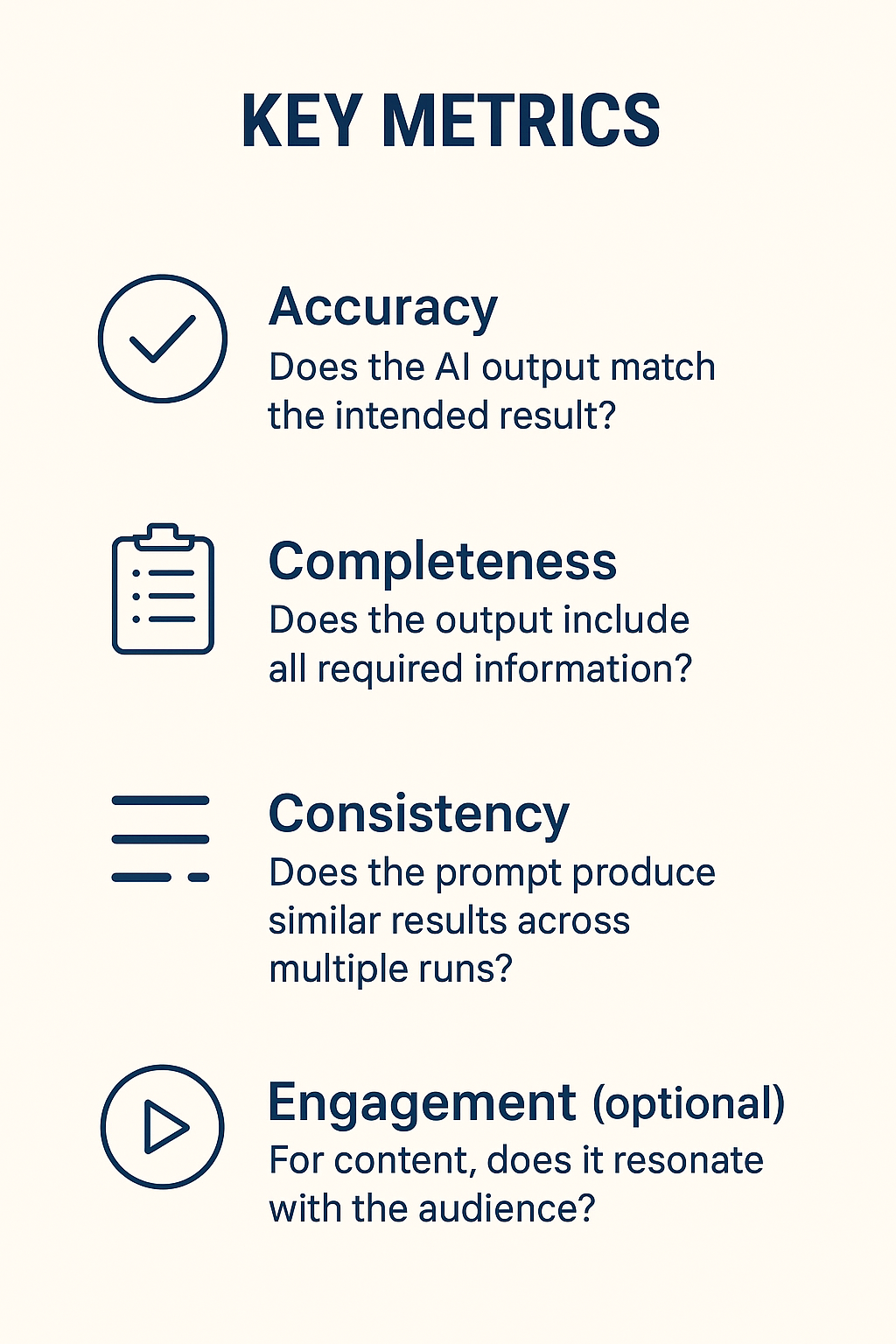
To know if a prompt is successful, you need measurable criteria. Metrics help you objectively assess whether a prompt produces the desired output.
Example:
Prompt: “Summarize this article in 3 bullet points.”
- Running the prompt five times, four outputs include all main points. This gives 80 percent consistency.
- One output misses a key point, showing the need to refine the prompt.
Metrics make improvements systematic instead of relying on guesswork. They turn subjective judgments like “I think this is good” into objective insights you can act on.
Step 4: Collaboration in Prompt Design
Working with others strengthens your prompts. Collaboration allows you to share successful prompts, get fresh phrasing ideas, and review outputs objectively.
Collaboration Tools:
- Google Docs or Notion for a shared prompt library
- GitHub or GitLab for version control of prompts
- Slack or Teams for discussions and feedback
Try organizing a “Prompt Hackathon” where a team creates multiple prompts in a short time and votes on the best outputs. This approach fosters creativity and helps discover new strategies.
Collaboration leverages diverse perspectives, reduces blind spots, and allows teams to capture and share knowledge efficiently.
Step 5: Iterating and Scaling
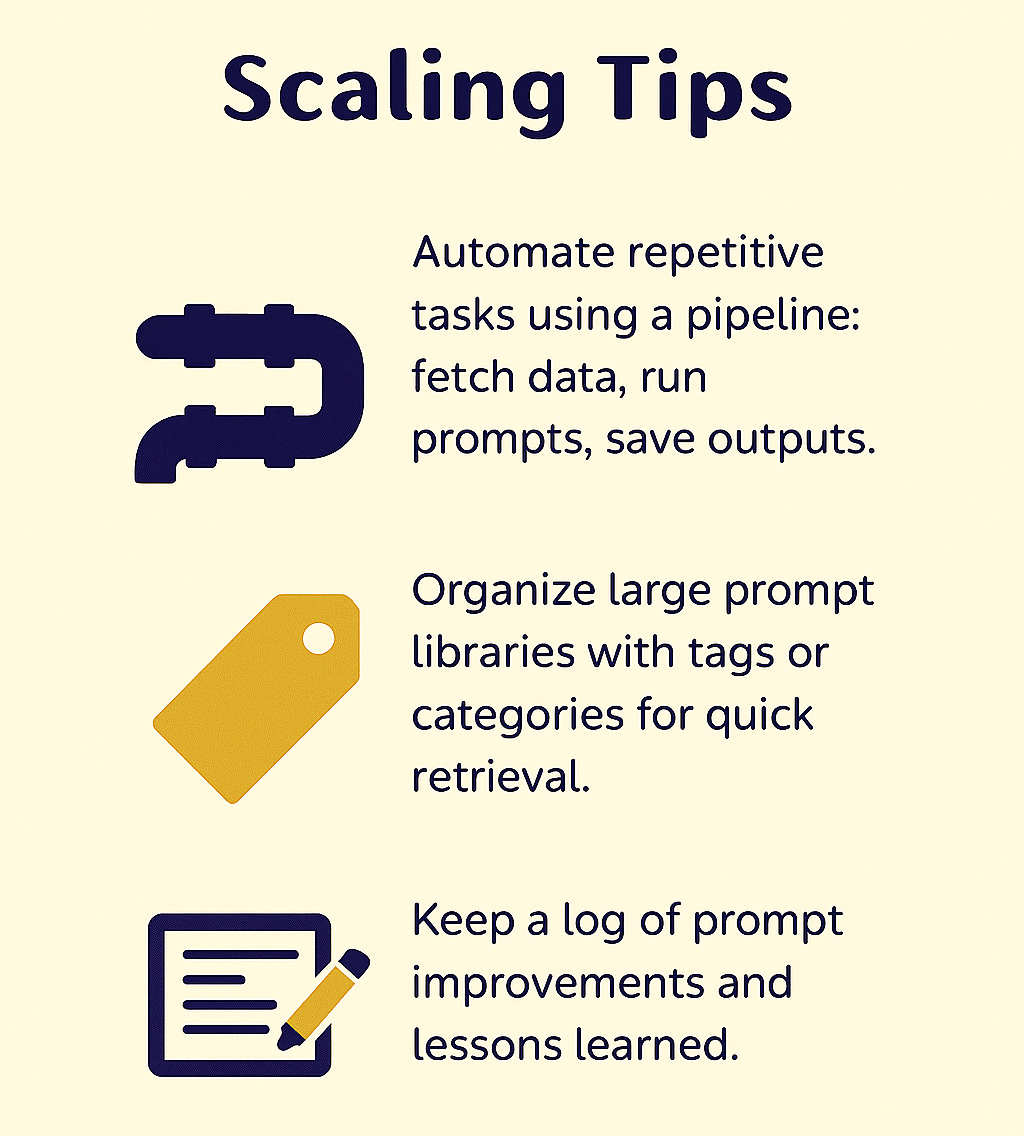
A workflow is most effective when it evolves. Iteration involves refining prompts based on testing and feedback until outputs consistently meet expectations.
Examples of Workflow in Action:
Content Marketing: Draft a social media prompt, test for tone and engagement, measure results, share with the team, refine, and schedule posts.
Data Analysis: Prompt AI to summarize a dataset, verify accuracy against manual calculations, adjust the prompt for missing metrics, and save the refined version for future datasets.
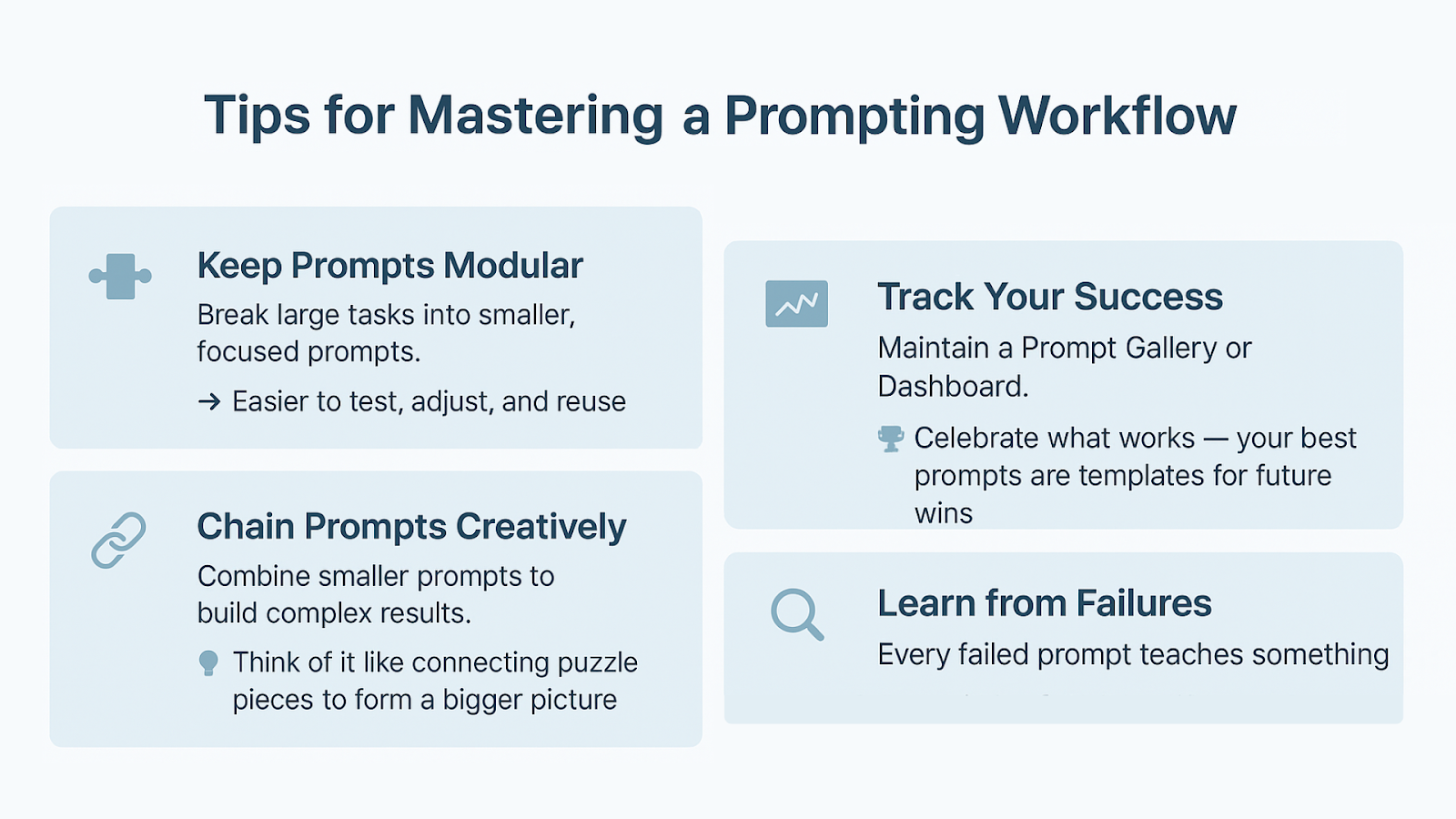
A prompting workflow transforms random AI outputs into reliable, high-quality results. By building libraries, versioning prompts, measuring effectiveness, collaborating, and iterating, you create a repeatable system that saves time and consistently produces valuable outputs.