Machine Learning is one of the most important areas of Artificial Intelligence because it allows computer systems to learn patterns from data and then make predictions or decisions on their own. In the past, working with Machine Learning often required strong knowledge of programming, statistics, and advanced mathematics, which made it difficult for beginners or people from non-technical backgrounds to get started. This created a gap between those who wanted to use Machine Learning and those who had the skills to actually build models.
To bridge this gap, No Code ML tools have become popular. These are platforms that allow anyone, even without technical knowledge, to work with Machine Learning in a simple and user-friendly way. Instead of writing long lines of code, users can make use of easy drag and drop features, guided steps, or visual workflows. This makes the process of building, training, and testing Machine Learning models as simple as connecting blocks together, similar to how one might create a flowchart or a presentation slide.
What are No-Code ML Tools?
No-Code ML tools are platforms that simplify the process of creating ML models by removing the need for programming. Instead of writing algorithms, users rely on:
- Visual interfaces with drag-and-drop components
- Pre-built templates for common ML tasks
- Guided workflows that handle the technical complexity in the background
No Code ML tools are designed to open Machine Learning to a much wider audience. For example, a school student interested in learning how computers recognise images can use these tools without worrying about programming languages. A teacher, business owner, or healthcare professional can quickly experiment with data and models without needing a team of developers. The simplicity of these platforms saves time, reduces cost, and encourages creativity because the focus is on ideas rather than technical barriers.
These tools allow beginners to focus on learning concepts and solving real problems, while the platform handles coding and optimisation automatically.

Popular No-Code ML Tools
Here are some of the most widely used No-Code ML tools for beginners:
Orange – Visual Programming for ML Workflows
Type: Free and Open Source
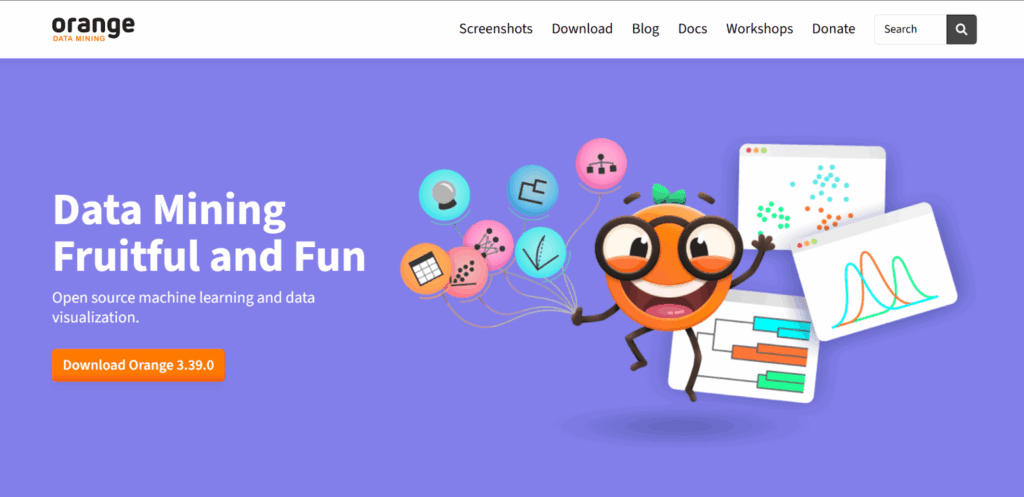
Orange is a powerful visual programming tool designed for machine learning and data science. It provides a canvas-based workspace where you can connect widgets (blocks) to create ML workflows.
Did You Know?
| Open source tools are software that anyone can use, change, and share freely. They are built and improved by a community of people. |
Key Features:
- Drag-and-drop widgets for data input, preprocessing, modelling, and evaluation
- Interactive data visualisation using charts and graphs
- Ready-to-use ML algorithms like decision trees, random forests, and clustering
- Supports extensions for text mining, bioinformatics, and image analytics
How it Works:
- Install Orange and open the workspace.
- Import data (CSV, Excel, or built-in datasets).
- Drag widgets such as Data Table, Preprocess, and Model onto the canvas.
- Connect them to form a pipeline.
- Train and evaluate models visually.
- Analyse results using built-in visualisation tools.
Teachable Machine (Google)

Type: Free (Web-based)
Teachable Machine by Google is one of the easiest No-Code ML tools. It allows you to create image, sound, and pose recognition models in just a few steps. Everything runs in the browser, making it very beginner-friendly.
Example: Training a model to differentiate between “smiling” and “serious” facial expressions using a webcam.
Key Features:
- Train models using webcam, microphone, or uploaded files
- Instant testing within the browser
- Models can be exported to TensorFlow, JavaScript, or used in mobile apps
- Ideal for classroom experiments and small projects
How it Works:
- Open Teachable Machine in the browser.
- Select project type: Image, Audio, or Pose recognition.
- Collect samples using your camera or microphone.
- Train the model with a single click.
- Test and refine results instantly.
- Export the model for app or web use.
Fun Fact
| Google’s Teachable Machine became so popular that teachers now use it in classrooms worldwide to show kids how computers can “learn” in just minutes. |
Scratch with AI Extensions
Type: Free (Web-based)
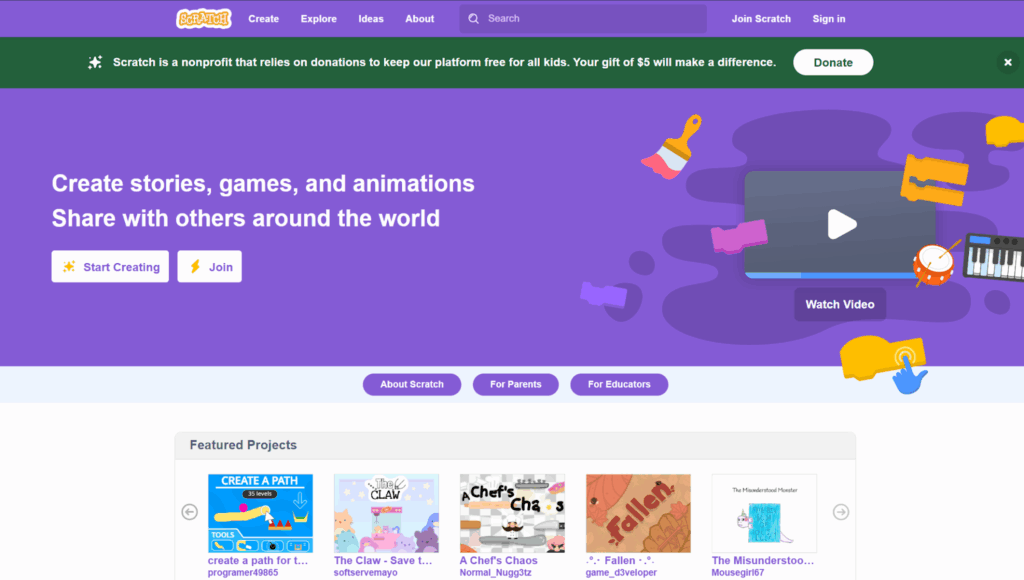
Scratch is a block-based programming platform developed by MIT, popular among school students. With AI extensions, Scratch allows learners to build simple ML-powered projects in a fun and engaging way.
Example: A game where the computer reacts differently when it detects a happy or sad face.
Key Features:
- AI blocks for image recognition, text analysis, and speech
- Drag-and-drop coding with colourful blocks
- Perfect for children and school projects
- Encourages creativity and experimentation
How it Works:
- Open Scratch and add the AI Extension.
- Train the AI by providing labelled examples (like images or text).
- Use blocks such as “When camera sees X → Do Y” in the coding area.
- Run and test the project interactively.
MIT App Inventor (with AI Features)
Type: Free (Web-based)
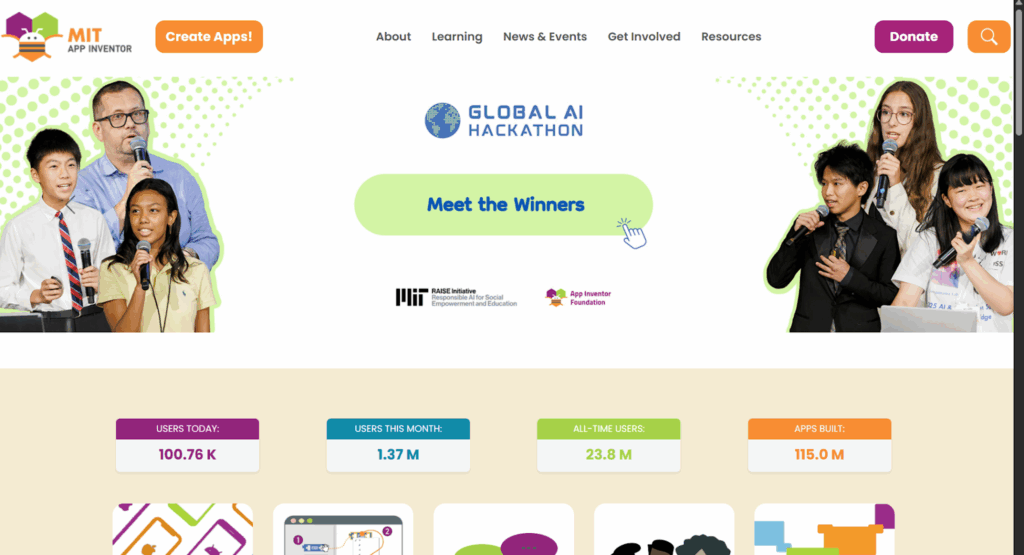
MIT App Inventor allows beginners to build Android apps without coding. Its AI components make it possible to integrate machine learning models directly into mobile apps.
Example: An app that recognises whether an uploaded photo is of a dog or a cat.
Key Features:
- Drag-and-drop design for mobile interfaces.
- AI components like Image Classifier and Personal Image Model
- Test apps in real time using Android devices
- Great for educational and prototyping purposes
How it Works:
- Open MIT App Inventor in a browser.
- Design the app layout with visual components.
- Add AI features (like image recognition).
- Train the AI with sample data.
- Test the app on a connected phone.
Runway ML
Type: Free (with paid Pro options)
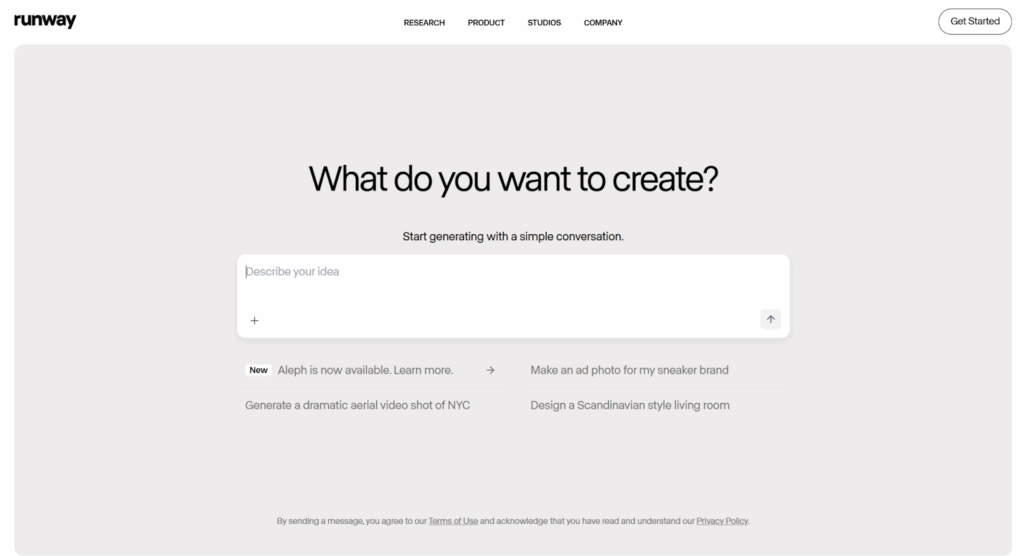
Runway ML is a creative No-Code ML tool widely used in media, design, and creative projects. It allows users to apply machine learning models to images, text, and video without coding.
Example: Using Runway ML to change the artistic style of a video or generate new images from text prompts.
Key Features:
- Pre-trained models for image generation, video editing, and text analysis
- Drag-and-drop interface for workflows
- Integration with tools like Adobe Photoshop and Premiere Pro
- Supports exporting ML models into other creative applications
How it Works:
- Sign up on Runway ML.
- Select from a wide range of pre-trained models (style transfer, image generation, etc.).
- Upload data (images, videos, or text).
- Apply ML models to transform or analyse content.
- Export results for use in design or media projects.
No-Code ML tools are making machine learning accessible to everyone. Whether you are a student, educator, or beginner curious about AI, these platforms offer a hands-on way to explore ML concepts without writing a single line of code.
By using these tools, beginners can experiment with machine learning in a simple, interactive, and engaging way. They provide the perfect stepping stone into the world of AI before moving into coding-based ML.