Prompt engineering is often talked about for its creative uses like writing stories, drafting marketing copy, or designing art ideas. But it’s just as powerful when used in prompt engineering for technical and analytical tasks. With the right prompts, AI can debug code, generate clean documentation, analyze datasets, summarize complex reports, or even guide research projects. These abilities save time, reduce errors, and open new possibilities across industries like finance, healthcare, engineering, and data science.

For example, a developer might use a prompt to spot errors in a Python script, while an analyst could ask AI to summarize a 200-page market report into a one-page brief. In healthcare, a researcher could prompt AI to highlight key findings from patient trial data in minutes instead of days. These are all examples of how prompt engineering for productivity helps professionals tackle difficult problems more efficiently.
In this article, we will explore the different technical and analytical applications of prompt engineering across industries and use cases such as coding and debugging, data analysis, research and knowledge work, business reporting, scientific projects, and machine learning tasks.
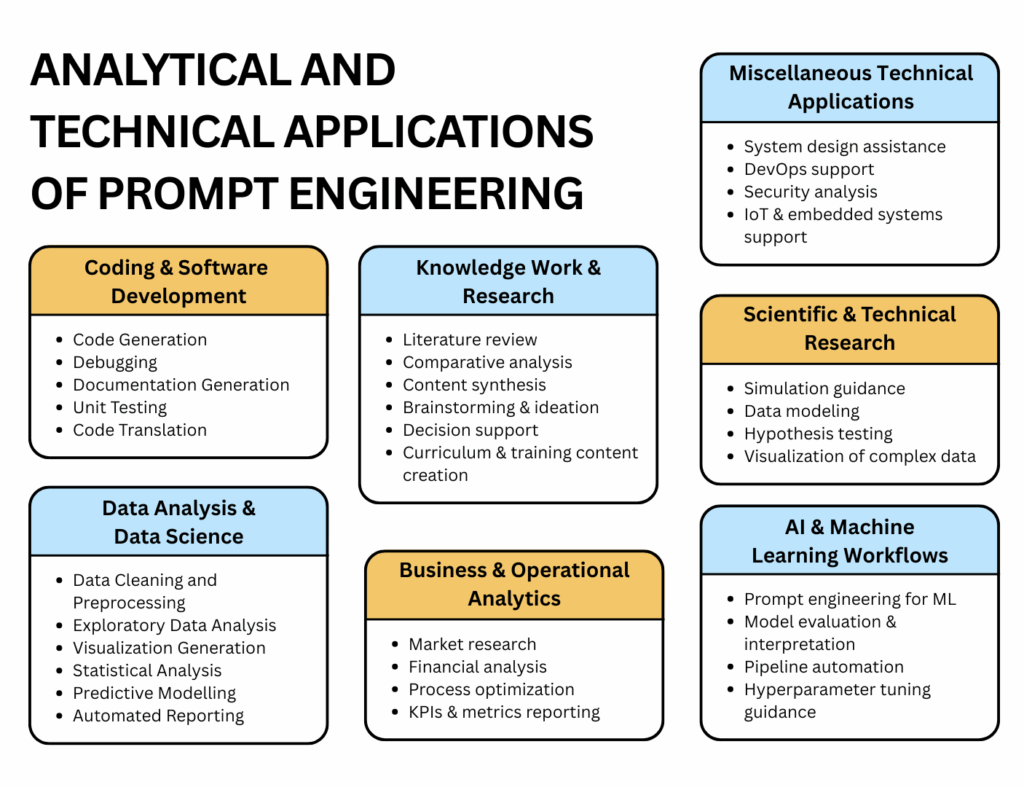
Technical Applications of Prompt Engineering
Technical applications involve structured, logic-driven, or process-heavy tasks where precision and clarity are crucial. Using prompts in technical workflows allows professionals to automate repetitive tasks, generate consistent outputs, and focus on higher-level problem-solving.
Coding & Software Development
Coding and software development require writing, debugging, and optimizing code in a way that is both functional and efficient. Developers often spend hours on repetitive tasks like writing boilerplate code, generating documentation, or debugging logic errors.
Prompts allow developers to generate working code snippets, detect and fix errors, and optimize existing code quickly. This reduces human error and speeds up tasks like API creation, test generation, and code translation between languages.
Applications:
- Code generation: Ask AI to write functions, classes, or entire scripts in Python, JavaScript, or Java.
- Debugging: Detect logical, syntax, or runtime errors by feeding the code and asking for corrections.

- Optimization: Improve performance, memory usage, or refactor inefficient code.
- Documentation: Generate docstrings, README files, and API references.
- Unit testing: Auto-generate test cases and edge scenarios.
- Code translation: Convert scripts between programming languages.
Industry & use cases:
- Tech companies: Automate scripts, create APIs, or debug large codebases.
- Startups & freelancers: Rapid prototyping or migrating legacy systems.
Sample prompts:
- “Generate a Python function that validates email addresses and logs errors.”
- “Refactor this JavaScript code for readability and performance.”
- “Create unit tests for this Python class handling customer transactions.”
Tips:
- Always provide context (language, framework, constraints).
- Break complex tasks into smaller prompts.
- Review AI-generated code carefully before deployment.
Tools:
OpenAI GPT models, GitHub Copilot, Codeium, TabNine
AI & Machine Learning Workflows
AI and machine learning involve multiple steps like data preparation, model training, evaluation, and reporting. These processes can be repetitive and time-consuming. Prompts can assist at every stage, suggesting preprocessing steps, evaluating models, explaining predictions, or even generating training prompts for labeling data.
Applications:
- Prompt engineering for ML: Create prompts for labeling or augmenting datasets.
- Model evaluation: Summarize performance metrics, compare models, or explain outputs.
- Pipeline automation: Chain preprocessing → training → evaluation → reporting.
- Hyperparameter tuning: Suggest parameter ranges and optimization strategies.
Industry & use cases:
- Data science teams: Auto-label datasets, experiment with models.
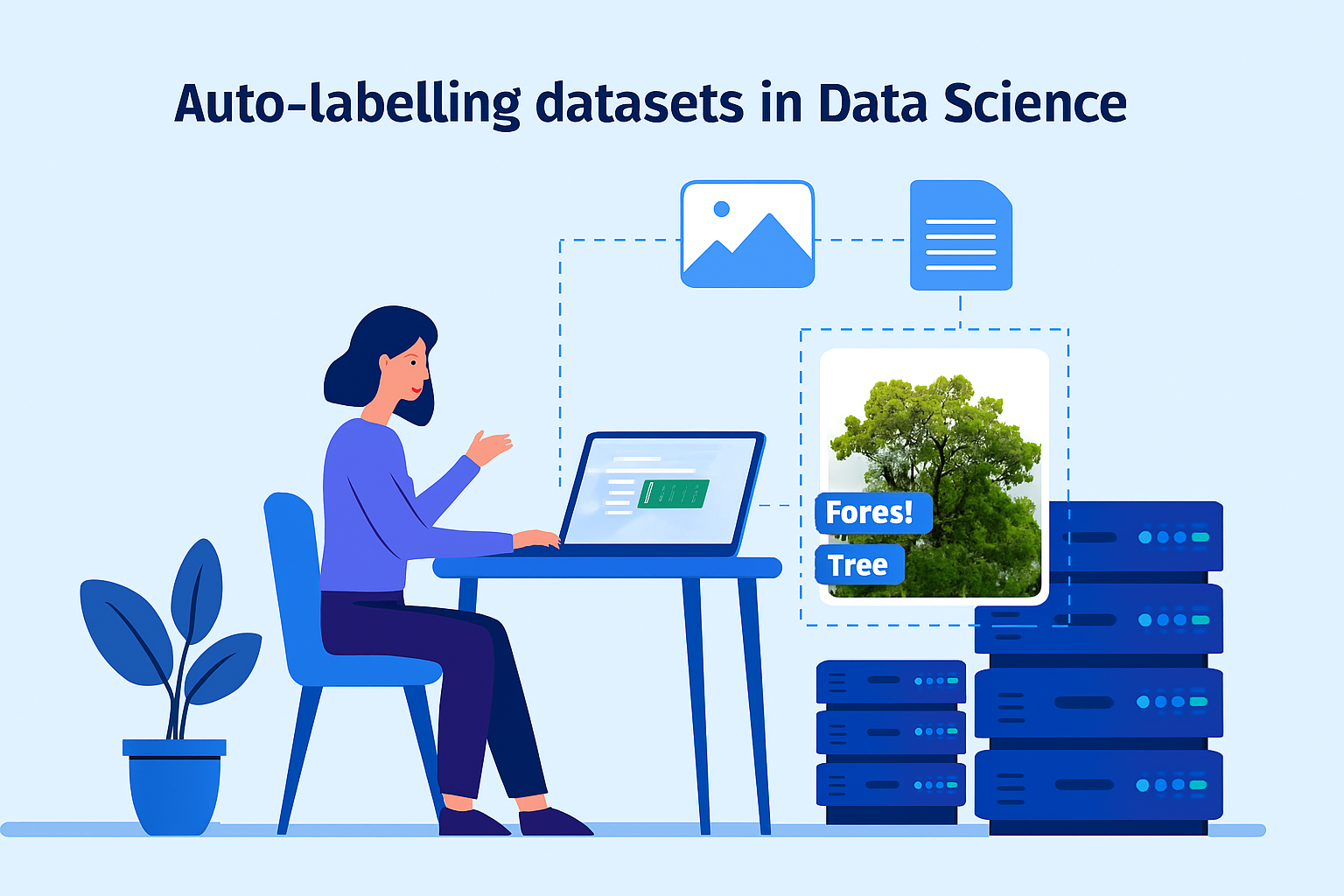
- Research labs: Optimize hyperparameters or evaluate new models.
Sample prompts:
- “Suggest feature engineering steps for this dataset predicting customer churn.”
- “Compare Logistic Regression, SVM, and XGBoost models for accuracy, recall, and F1 score.”
- “Generate a prompt to label images of traffic signs into 10 categories.”
Tips:
- Give structured inputs (dataset description, variables, expected outcomes).
- Use prompts iteratively to refine model guidance.
- Validate AI recommendations with actual experiments.
Tools:
OpenAI GPT, Hugging Face Transformers, LangChain, Google Colab.
Miscellaneous Technical Applications
Technical workflows often extend to architecture design, DevOps, security, and IoT systems. Prompt engineering can simplify these areas by generating scripts, diagrams, and vulnerability checks.
Applications:
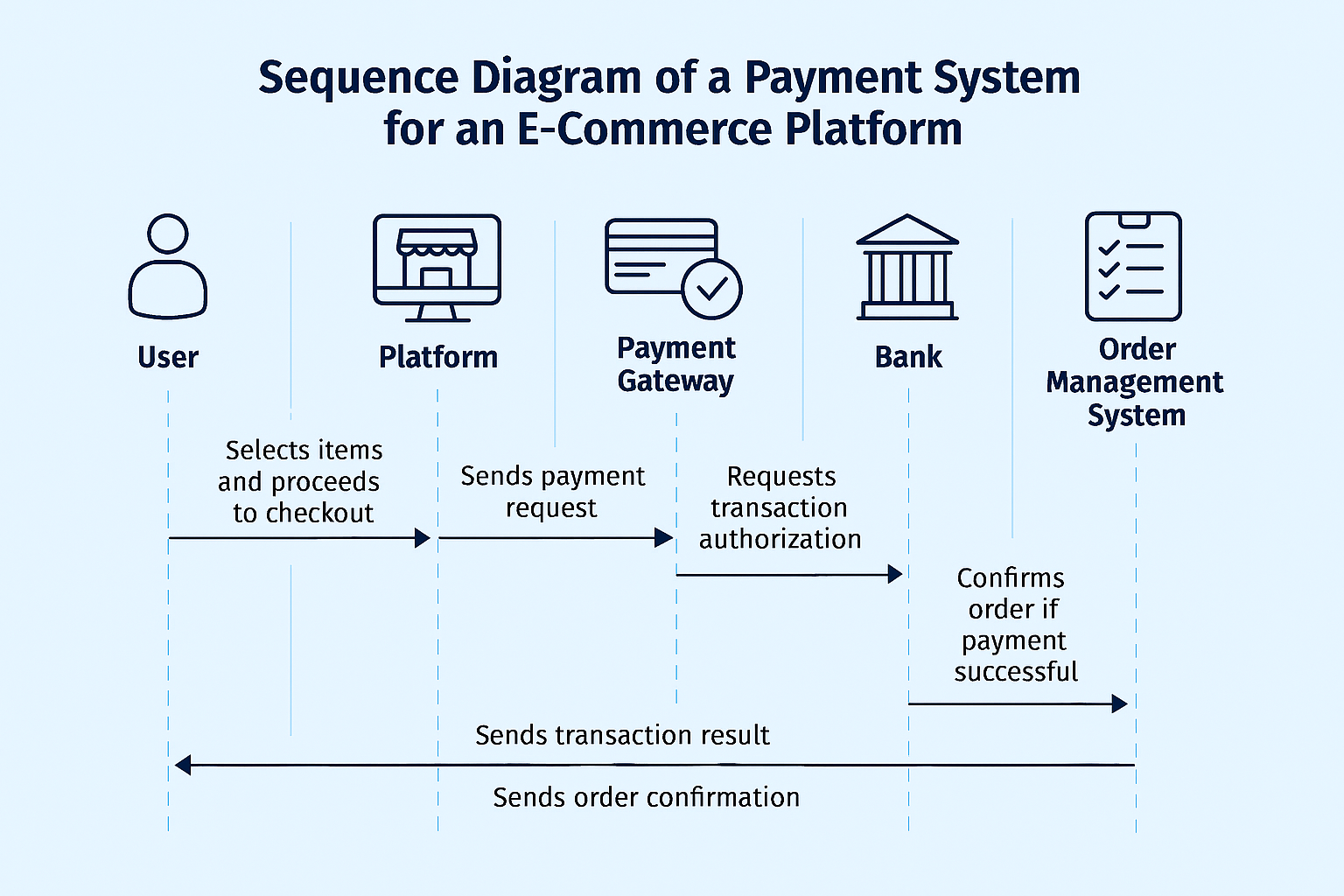
- System design: Generate architecture diagrams or flow sequences.
- DevOps support: Scripts for CI/CD pipelines, deployments, and monitoring.
- Security analysis: Identify vulnerabilities in code or configurations.
- IoT & embedded systems: Write code for sensors and edge devices.
Industry & use cases:
- IT firms: Automate deployment scripts.
- Startups: Rapidly design and scale system architectures.
- Security analysts: Quickly identify risks.
Sample prompts:
- “Generate a CI/CD script for deploying a Python Flask app using Docker.”
- “Draw a sequence diagram of a payment system for an e-commerce platform.”
- “Suggest vulnerabilities in this server configuration and ways to fix them.”
Tips:
- Always cross-check AI-generated security advice with manual reviews.
- Use prompts with detailed requirements (frameworks, cloud provider, OS).
- For diagrams, ask for outputs in formats like Mermaid.
Tools:
Mermaid, Lucidchart, Terraform, GitHub Copilot.
Analytical Applications of Prompt Engineering
Analytical applications focus on tasks that are measurable, structured, and insight-driven. This includes data analysis, research synthesis, business analytics, and scientific modeling. Prompts allow professionals to extract insights, automate reports, and accelerate decision-making.
Data Analysis & Data Science
Data analysis involves cleaning, processing, and interpreting datasets to find meaningful patterns. Analysts often spend most of their time cleaning data and preparing reports. Prompts can automate tasks like cleaning, visualization, and statistical testing, making analysis faster and more reliable.
Applications:
- Data cleaning: Handle missing values, normalize datasets, detect outliers.
- Exploratory data analysis: Summarize datasets, suggest patterns.
- Visualization: Generate charts and dashboards.
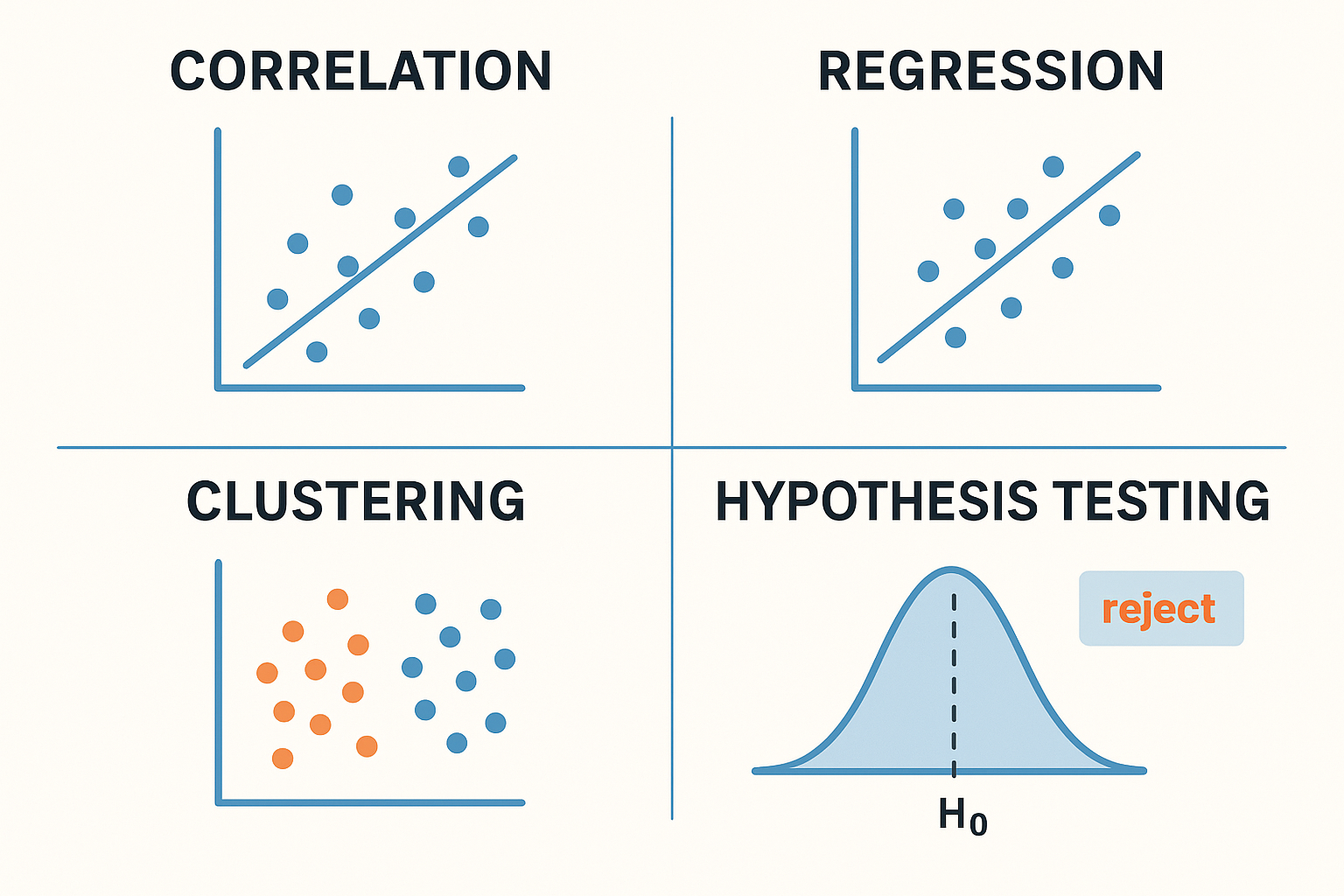
- Statistical analysis: Correlation, regression, clustering, hypothesis testing.
- Predictive modeling: Recommend algorithms, hyperparameters, and evaluation metrics.
- Automated reporting: Summarize findings and create dashboards.
Industry & use cases:
- Finance: Spot anomalies in transactions, forecast trends.
- Healthcare: Analyze trial data.
- Marketing: Track consumer behavior patterns.
Sample prompts:
- “Clean this dataset by filling missing values with the median and flag outliers.”
- “Summarize sales data from Q1 by region and suggest top-performing products.”
- “Perform regression analysis to identify factors affecting housing prices.”
Tips:
- Always describe your dataset and desired output in detail.
- Ask AI to suggest multiple visualization options.
- Cross-check AI-driven insights with manual statistical tests.
Tools:
Pandas, NumPy, Matplotlib, Seaborn, Plotly, OpenAI GPT.
Knowledge Work & Research
Research and knowledge work include reviewing literature, synthesizing content, and generating new ideas. These tasks demand a lot of reading and summarization, which prompts can simplify significantly.
Applications:
- Literature review: Summarize and extract insights.
- Comparative analysis: Compare models, tools, or technologies.
- Content synthesis: Combine scattered notes into structured reports.
- Brainstorming: Generate hypotheses or research questions.
- Decision support: Provide pros/cons and risk analysis.
- Educational content: Draft tutorials and guides.
Industry & use cases:
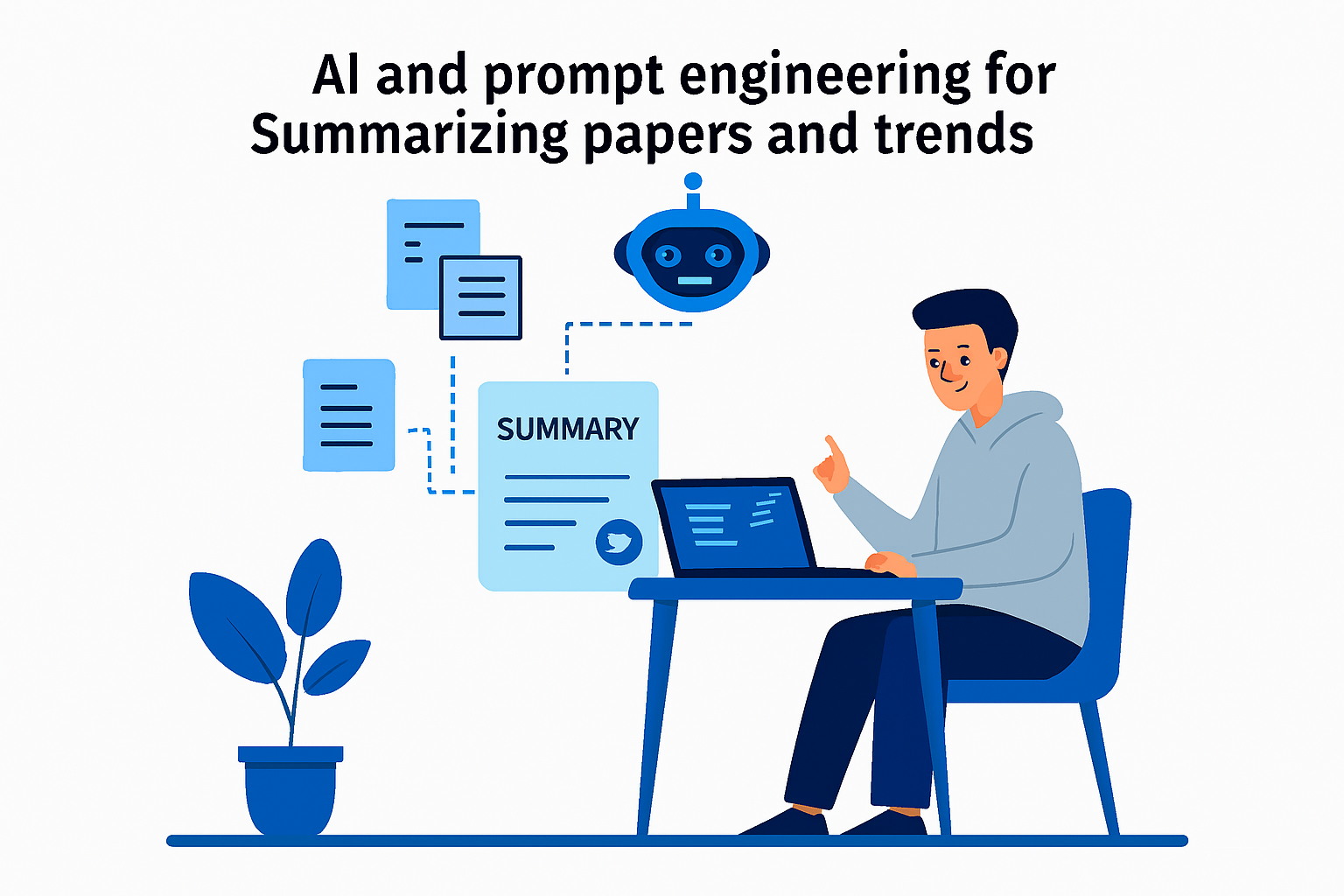
- Academia: Summarizing papers and trends.
- Businesses: Analyzing competitors and strategies.
- R&D labs: Generating hypotheses and experiment ideas.
Sample prompts:
- “Summarize this research article focusing on methodology and results.”
- “Compare Docker and Kubernetes in terms of scalability, cost, and ease of use.”
- “Generate five new research questions based on this dataset of patient trial results.”
Tips:
- Specify the focus of your summary (e.g., methods vs. findings).
- Break large research tasks into smaller steps with multiple prompts.
- Cross-check AI summaries against original sources.
Tools:
Zotero, Mendeley, Notion + GPT plugins, OpenAI GPT.
Business & Operational Analytics
Business analytics requires analyzing performance metrics, customer data, and market trends. Prompt engineering speeds up reporting and ensures actionable insights for decision-making.
Applications:
- Market research: Summarize competitors and industry trends.
- Financial analysis: Review balance sheets, revenue, risks.
- Process optimization: Suggest workflow improvements.
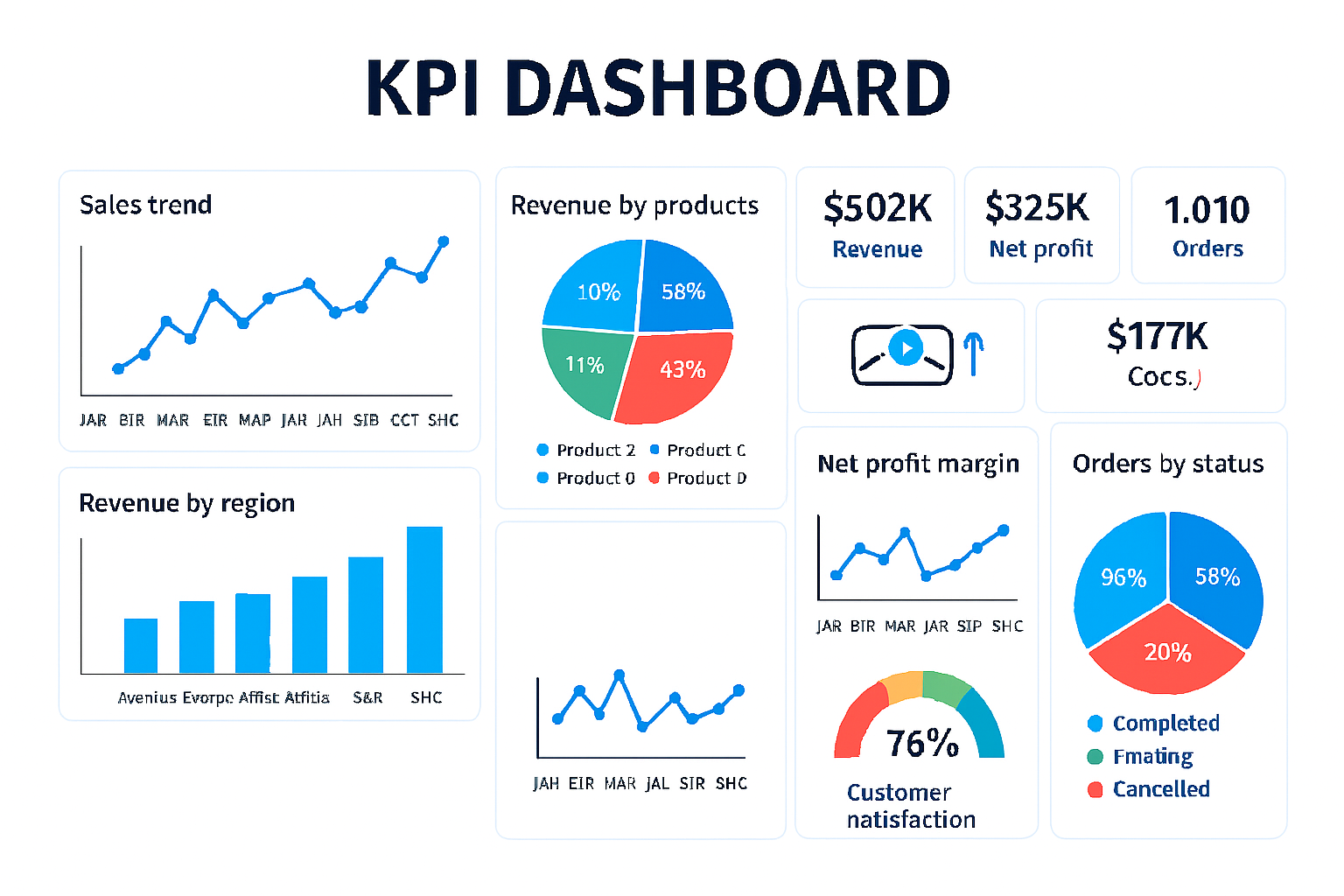
- KPI dashboards: Generate clear reports.
Industry & use cases:
- Retail: Customer behavior analysis.
- Finance: Risk assessment.
- Operations: Workflow improvement.
Sample prompts:
- “Summarize quarterly sales data and highlight regions with highest growth.”
- “Analyze competitor marketing strategies using their latest campaigns.”
- “Generate a dashboard tracking customer churn and recommend strategies to reduce it.”
Tips:
- Ask AI for recommendations, not just summaries.
- Include timeframes and specific metrics in prompts.
- Use prompts to generate visual summaries for presentations.
Tools:
Excel + AI add-ins, Power BI, Tableau, OpenAI GPT.
Scientific & Technical Research
Scientific research involves simulations, hypothesis testing, and complex data modeling. Prompts help researchers by suggesting experiment designs, analyzing results, and visualizing multi-dimensional data.
Applications:
- Simulation guidance: Suggest experiment parameters.
- Data modeling: Build models for systems.
- Hypothesis testing: Recommend ways to validate ideas.
- Visualization: Present complex datasets clearly.
Industry & use cases:
- Physics: Simulate systems under varying conditions.
- Chemistry: Model reaction dynamics.
- Biology: Analyze genetic or clinical data.
Sample prompts:
- “Suggest experiment parameters to test how temperature affects reaction rates.”
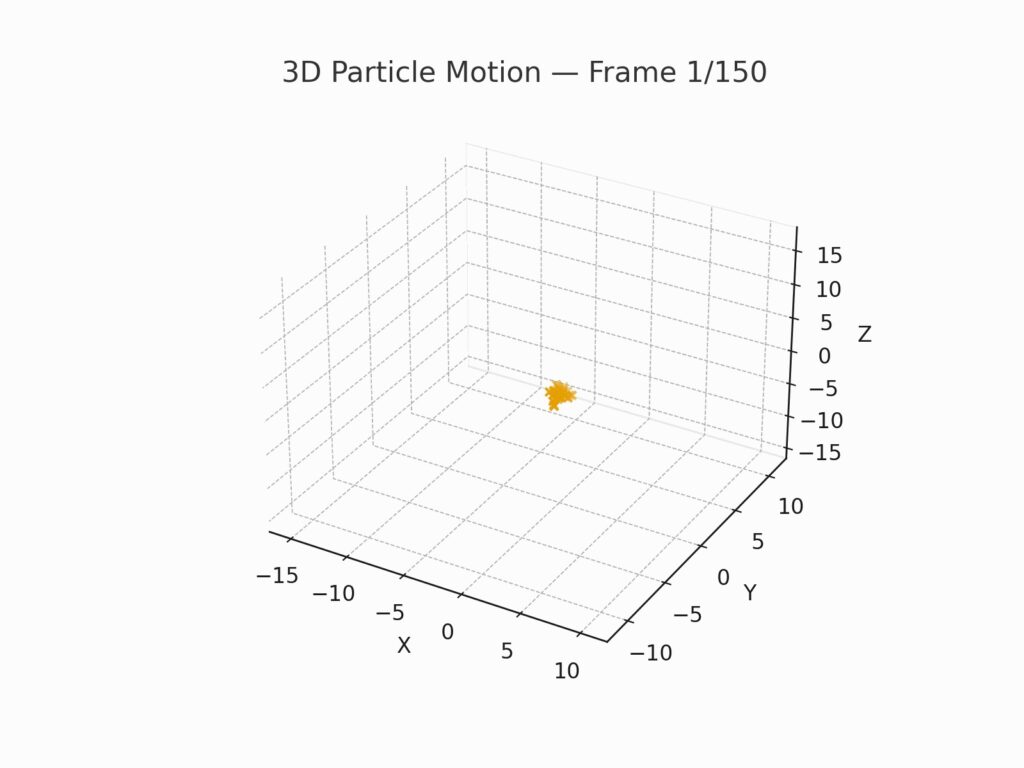
- “Visualize this 3D dataset of particle motion over time.”
- “Recommend ways to validate this hypothesis about treatment effectiveness.”
Tips:
- Provide detailed background of the experiment for better results.
- Ask AI for multiple approaches to test or visualize data.
- Always validate AI-generated methods with domain expertise.
Tools:
MATLAB, SciPy, NumPy, OpenAI GPT, scientific visualization platforms.
Mastering prompt engineering for technical and analytical tasks is now a critical skill for developers, analysts, researchers, and business professionals seeking to stay ahead in the modern workplace.