Generative AI is becoming more popular every day. It is a powerful tool used by students, professionals, artists, writers, and hobbyists, with a wide variety of applications. Generative AI can create content in different forms such as text, images, music, videos, and even code by learning patterns from existing data that it has been trained on. This allows it to produce original work that helps people work faster, become more creative, and solve problems in new ways.
The most popular generative AI tools today include ChatGPT, DALL·E, GEMINI, Claude, Copilot, MusicLM, Suno AI, and Runway ML. Each tool has unique features that make it suitable for different types of creative and practical tasks.
ChatGPT
ChatGPT is a multimodal generative AI tool created by OpenAI. At its core, ChatGPT is based on the GPT (Generative Pre-trained Transformer) model, which is designed to understand and generate human-like text. In simple terms, ChatGPT is an AI that can answer questions, explain concepts, write essays, generate code, and even produce images when integrated with tools like DALL·E.
For example:
- Ask ChatGPT to explain how airplanes fly with a simple diagram for better understanding.
- Generate an image of a cat on a skateboard using text-to-image capabilities.
- Ask for a simple Java code snippet to calculate simple interest
What it does: ChatGPT can generate explanations, summaries, creative writing, code, and even images in one platform. It adapts to questions and can continue a conversation based on previous inputs.
How to use ChatGPT:
- Go to chat.openai.com and optionally sign up for an account.
- Type a question, topic, or instruction. Example: “Explain Pythagoras’ theorem with a simple diagram.”
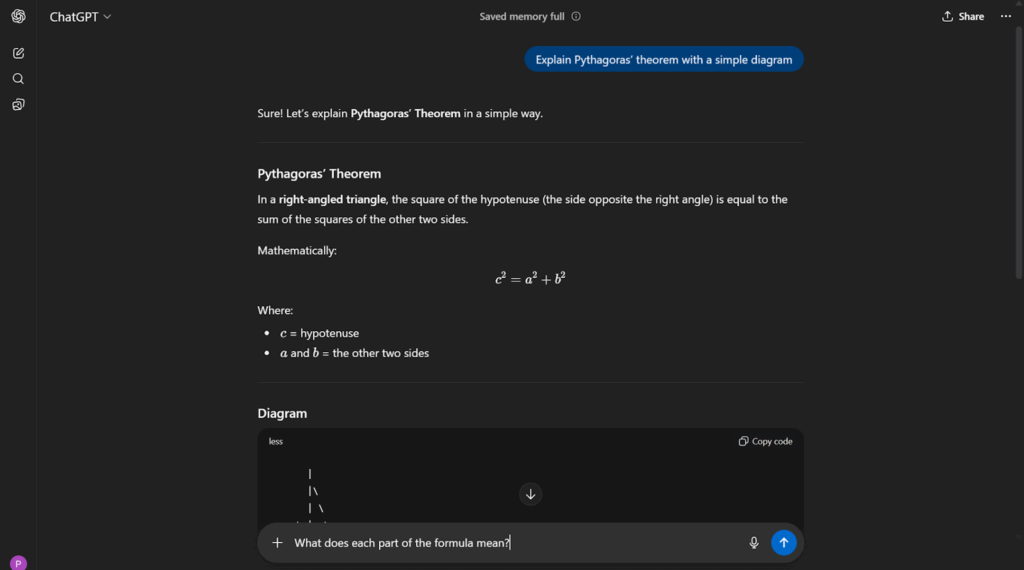
- Review the AI response. ChatGPT may provide a formula and a diagram. You can ask follow-up questions like:
- “What does each part of the formula mean?”
- Ask for additional outputs, for example: “Generate a simple Java code snippet to calculate the area of a triangle.”
- You can also request creative outputs, such as images or stories, making it a multimodal tool.
DALL·E
DALL·E is another AI tool by OpenAI, specifically a generative AI for creating images and digital art from text descriptions. It can integrate text into images, allowing detailed, custom designs.
For example:
- Generate an image of Alice from Alice in Wonderland.
- Create an illustration of a magical garden with glowing flowers for a storybook.
What it does: DALL·E converts text prompts into high-quality digital images, illustrations, or artwork. Users can select styles, adjust image types, or generate multiple versions to explore creative ideas.
How to use DALL·E:
- Access DALL·E through OpenAI or compatible platforms.
- Enter a descriptive prompt. Example: “A Japanese chef preparing ramen in a small, cozy restaurant.”
- Choose style or image type if available.
- Generate and download your image.
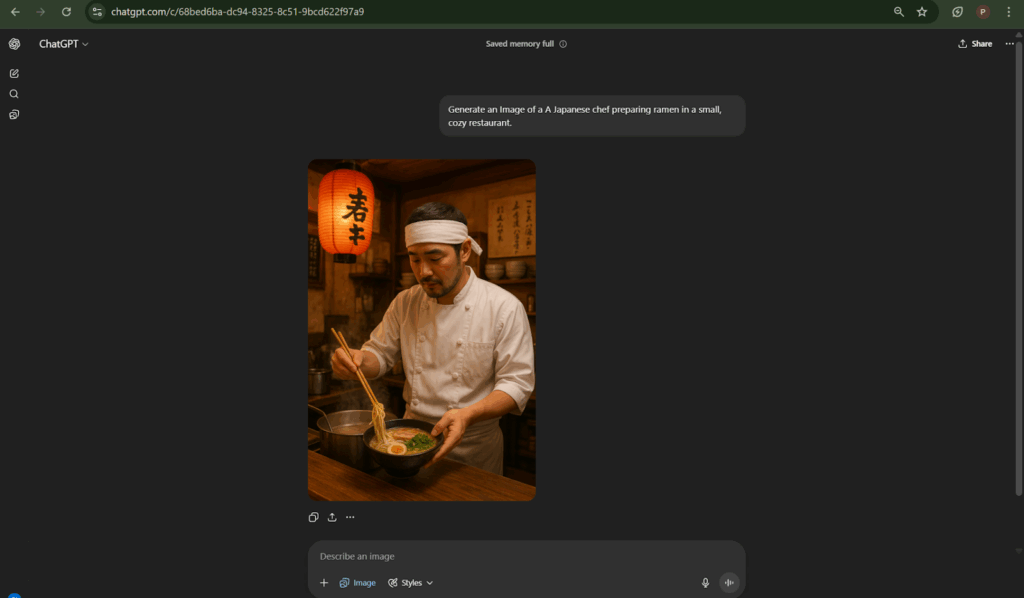
- You can experiment with multiple prompts to create variations of the same idea.
GEMINI
GEMINI is Google’s generative AI tool for generating text-based content, research summaries, and creative ideas.
For example:
- Summarise the causes of climate change for a school project.
- Brainstorm creative essay ideas or story plots for writing assignments.
- Create Image and Videos (with pro plan) of a person working in an office.
What it does: GEMINI provides clear answers, summaries, explanations, and brainstorming support. It is helpful for students, researchers, and content creators. It can also integrate with the Google workspace (Google docs, Google drive, Gmail) to make tasks more efficient.
How to use GEMINI:
- Open the GEMINI Pro platform.
- Type a question or topic. Example: “Explain the impact of deforestation on animals.”
- Review AI suggestions and follow-up for more details or explanations.

- You can also ask it to generate images to better understand the explanation.
Fun Fact
GEMINI Pro is currently freely available to students for one year, making it an excellent resource for learning and projects.
Claude
Claude is a generative AI chatbot and writing assistant developed by Anthropic, an AI research company. It is designed to provide safe, coherent, and helpful text outputs. Unlike some other AI models, Claude focuses on giving reliable, user-friendly, and low-risk responses, making it suitable for students, professionals, and businesses who want accurate and safe AI-generated content.
In simple terms: Claude is like a smart AI helper that can answer questions, brainstorm ideas, draft essays, and explain concepts, while being careful to avoid unsafe or harmful content.
For example:
- A student asking Claude for ideas for a science project
- Drafting a short story or essay on environmental conservation
- Generating a list of fun home experiments for a class assignment
What it does: Claude ensures coherent and safe outputs, helping students and professionals generate ideas, drafts, or summaries efficiently.
How to use Claude:
- Access Claude AI online.
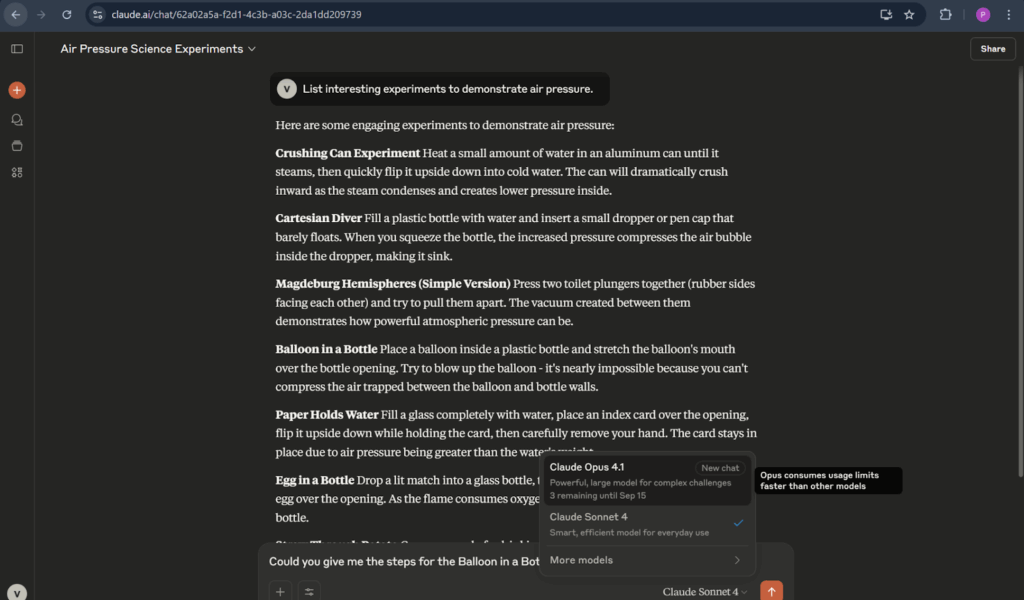
- Enter a question or prompt. Example: “List interesting experiments to demonstrate air pressure.”
- Review the response and ask follow-up questions for clarity or detail.Example: “Provide the steps for the Balloon in a Bottle experiment?
Copilot (GitHub Copilot)
GitHub Copilot is a generative AI coding assistant developed by GitHub in collaboration with OpenAI. It helps programmers by suggesting code snippets, completing functions, and providing solutions while you write code. Copilot can be used in many programming languages and works inside popular code editors like Visual Studio Code.
In simple terms: Copilot is like a smart coding partner that helps you write code faster, learn programming patterns, and reduce repetitive work.
For example:
- Generate a Java program to calculate the area of a rectangle.
- Suggest Python code to sort a list of names alphabetically.
- Complete functions automatically while you type, saving time.
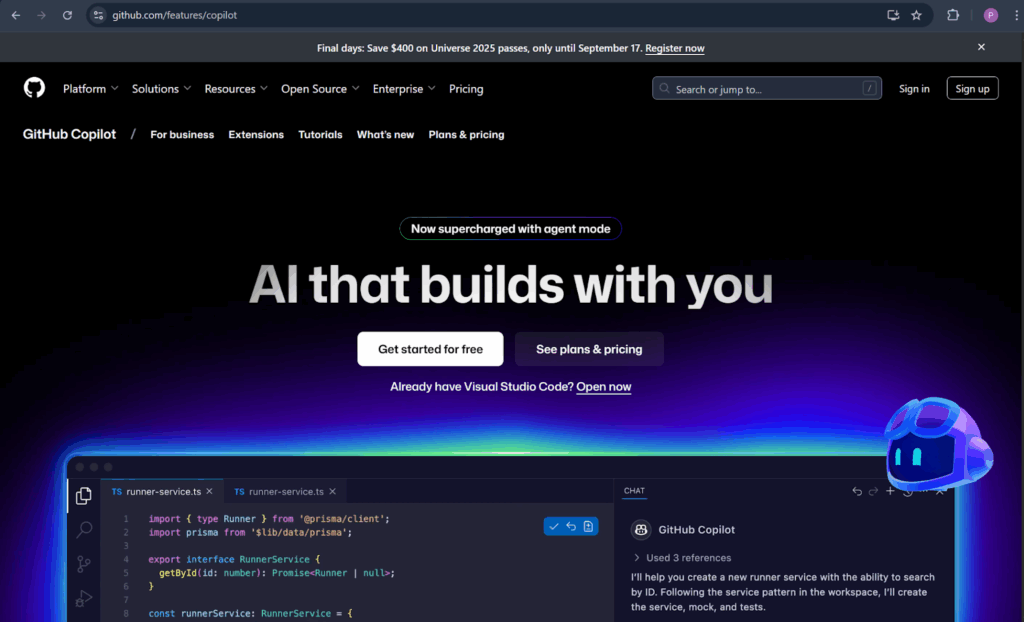
What it does: Copilot reduces repetitive coding work and helps beginners learn programming by providing real-time suggestions.
Did you know?
GitHub Copilot was trained on billions of lines of publicly available code, which allows it to provide accurate suggestions for most common programming tasks. It’s also used by beginner and professional developers alike to learn coding faster and reduce mistakes.
How to use Copilot:
- Install GitHub Copilot in your code editor like VS Code.
- Start typing code; AI suggestions appear in real time.
- Review suggestions and accept, edit, or modify them.
MusicLM / Suno AI
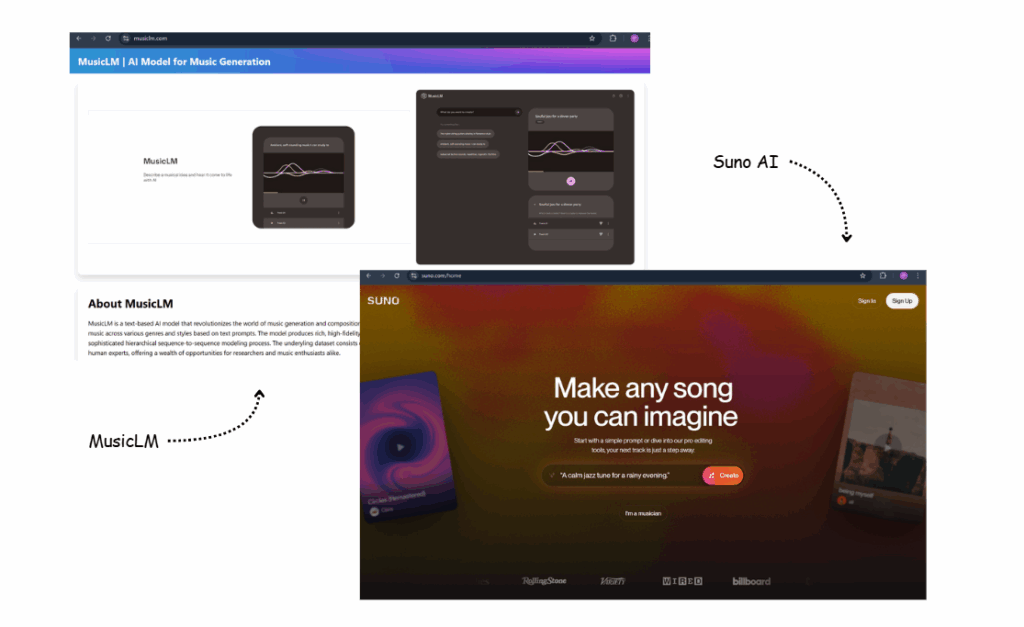
MusicLM and Suno AI are generative AI tools for creating music and audio. They allow users to generate original music tracks, melodies, or soundscapes using simple text prompts or existing audio samples.
In simple terms: These AI tools are like virtual music composers that can produce music in different styles, moods, and instruments, helping musicians, students, and creators experiment and save time.
For example:
- Generate relaxing piano music for studying or meditation.
- Create upbeat background music for a school video or presentation.
- Experiment with different genres or instruments to compose unique tracks.
What it does: These tools allow musicians, students, and content creators to generate original music quickly, experiment with instruments, styles, and moods.
How to use MusicLM / Suno AI:
- Enter a text prompt describing the music. Example: “A calm jazz tune for a rainy evening.”
- Adjust style, tempo, or instruments if options are available.
- Generate and listen to AI-created music.
Runway ML
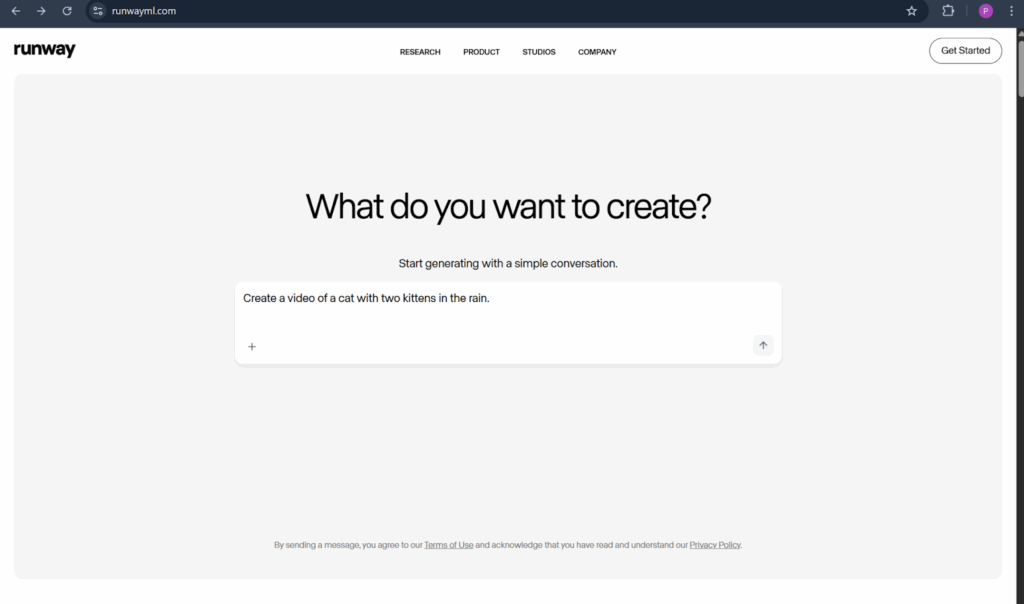
Runway ML is a generative AI tool for creating videos, animations, and images. It allows users to produce visual content quickly using AI, including special effects, animations, and editing enhancements, without needing advanced software skills.
For example:
- Add AI-assisted visual effects to a short film.
- Animate characters or scenes for a class project or story.
- Edit videos quickly with automatic background removal or style transfer.
What it does: Runway ML helps filmmakers, designers, and students create videos and animations faster and experiment with effects easily.
How to use Runway ML:
- Sign up for a Runway account.
- Choose the type of project: video, image, or animation.
- Apply AI effects, generate content, and export.
Fun Fact
Independent creators are now using Runway ML to produce entire short films with AI assistance.
Generative AI tools are transforming creativity, learning, and productivity. From students learning math to artists designing illustrations or programmers writing code, these tools help people work faster, explore creativity, and solve problems in new ways. By learning to use ChatGPT, DALL·E, GEMINI, Claude, Copilot, MusicLM, Suno AI, and Runway ML, anyone can unlock the full potential of generative AI.